Starting a new learning site in WordPress can feel like you've got strong lessons in your head but a blank editor in front of you. You don't need a heavy page builder to turn that blank page into a usable course intro, a lesson hub, or a resource page. WordPress block patterns solve that problem by giving you ready-made layouts you can drop into the block editor, edit in place, and keep aligned with a clean block-theme setup like Twenty Twenty-Five, which is exactly what a lightweight educational site needs. For teams thinking in reusable layouts, the design system mindset behind patterns lines up well with design system explained for teams.
Table of Contents
- 1. WordPress Block Pattern Directory
- 2. Extendify Design/Pattern Library
- 3. GutenbergHub Templates and Pattern Kits
- 4. Kadence Blocks and Design/Pattern Library
- 5. Stackable Ultimate Gutenberg Blocks
- 7. GenerateBlocks and Pattern Library
- 7. GenerateBlocks and Pattern Library
- Top 7 WordPress Block Pattern Libraries Comparison
- Comparing the options for a learning site
1. WordPress Block Pattern Directory
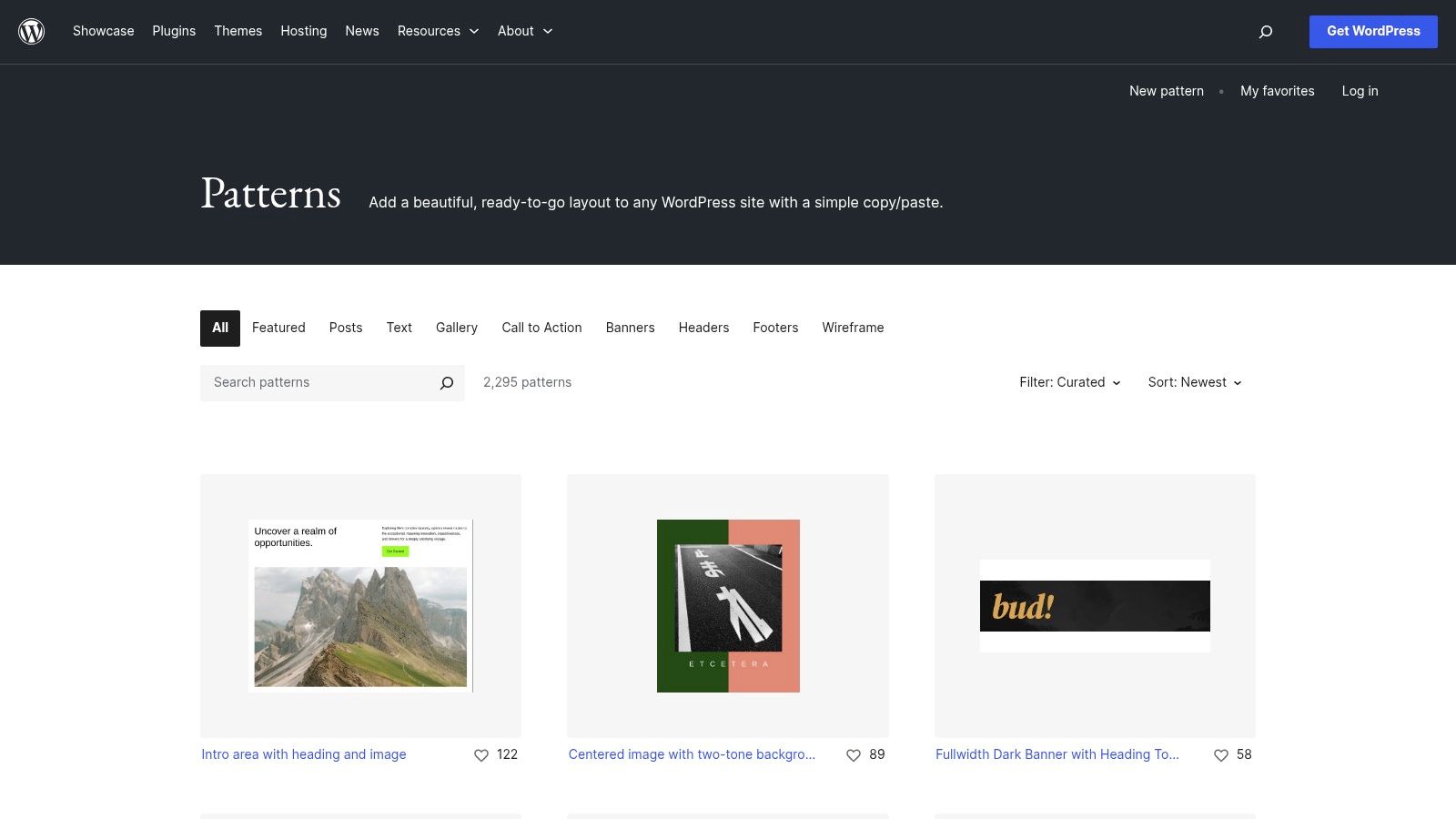
The official WordPress Block Pattern Directory is the safest first stop for a learning site. It sits inside the broader WordPress block ecosystem, and WordPress describes patterns as predefined layouts you can insert from the Patterns tab, then edit directly in the editor. That matters for educational content because a lesson callout, a resource strip, or a CTA block should be easy to drop in without creating new plugin habits or filling the site with extra code.
Best for minimal block-theme sites
For a site on Twenty Twenty-Five, the directory works well because the patterns adapt to the active theme's styles instead of fighting them. That keeps typography, spacing, and color decisions aligned with the rest of the site, which is useful when you're publishing a sequence of lessons and want every page to feel like part of the same learning system. WordPress also documents pattern registration through code, including the patterns folder and register_block_pattern(), so a pattern you prototype in the editor can later become part of a repeatable theme workflow (WordPress theme block patterns documentation).
Practical rule: use the official directory for layouts you want to trust over time, especially if you care more about stable structure than flashy design extras.
The trade-off is quality variation. Because the directory is open and curated across many submitters, some patterns are polished and some are only serviceable. You also do not get the tighter filtering that commercial libraries sometimes provide, so you may spend more time browsing before you find the right lesson hero or resource grid. That trade-off can still be worth it for educational sites, where speed, consistency, and low maintenance usually matter more than elaborate styling.
2. Extendify Design/Pattern Library
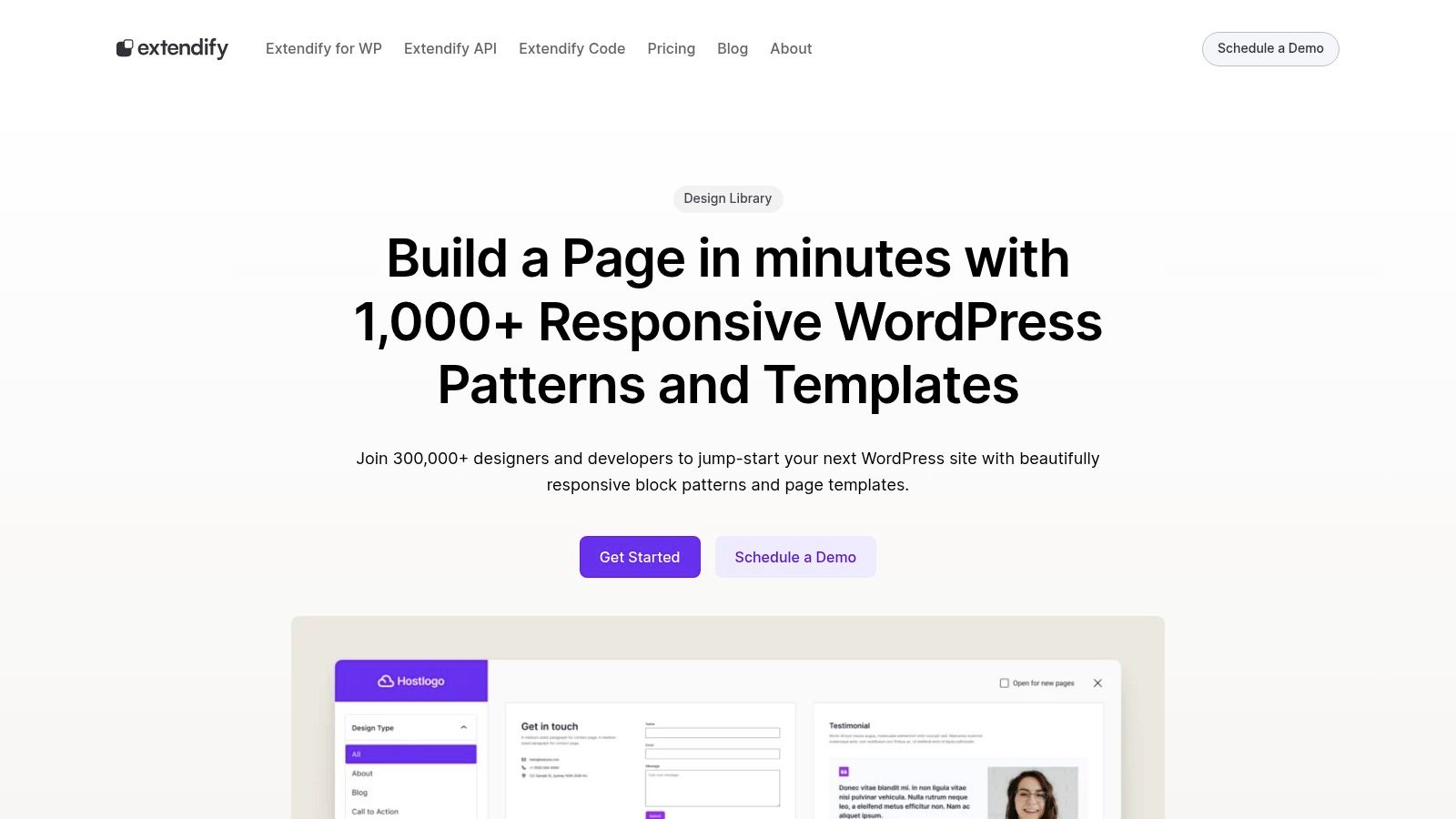
Extendify's Design/Pattern Library is a fast path from empty page to working structure. Inside the block editor, it gives you a pattern library button, and it also supports insertion through a slash command workflow. For an educator building a landing page for a mini-course, that means you can move from blank canvas to sections, headings, and content blocks without changing your editor habits.
Fast setup without leaving the editor
Extendify works well when speed matters more than deep customization on day one. You stay inside the native block editor, so you avoid the jarring feeling of jumping into a proprietary builder interface just to assemble a lesson page. That's a real advantage for authors who want to create a teaching hub, a resource roundup, or a welcome page quickly, then refine the content later.
The downside is dependency. You're adding a plugin to do something the core editor already supports, so you need to be comfortable with one more moving part. That's not a dealbreaker, but it is a choice, especially for lean sites that want to stay close to core WordPress.
Where it fits best
Extendify makes sense when a site needs structure immediately and the editor experience has to stay simple. It also fits educational sites that publish repeatable lesson pages, because the patterns give you a head start on layout consistency.
For a small learning blog, I'd treat Extendify as a launch accelerator, not the final destination. If you later decide to standardize your own lesson templates, you may want tighter governance than a library plugin can provide.
3. GutenbergHub Templates and Pattern Kits
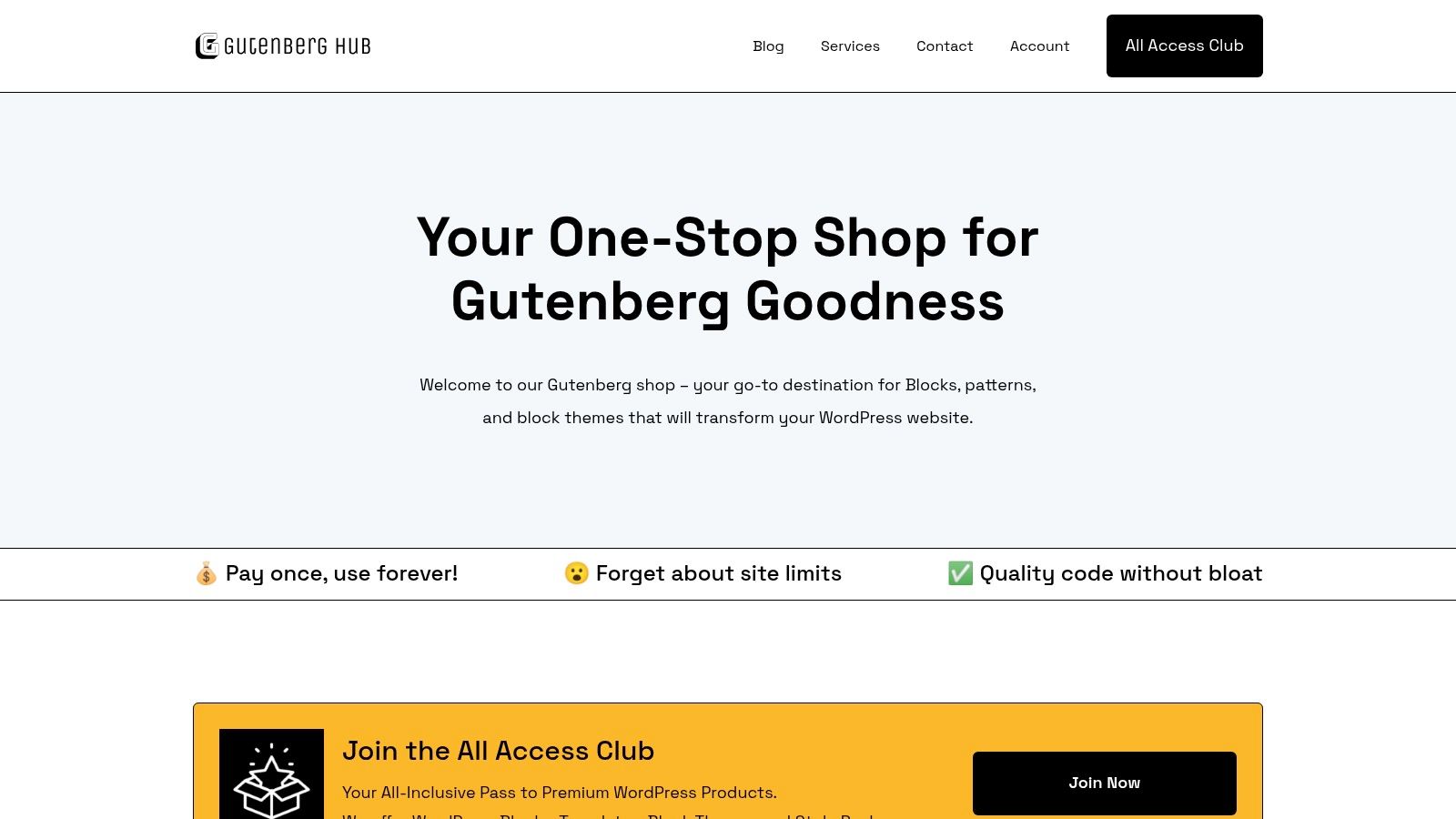
GutenbergHub sits in a useful middle ground for WordPress site builders who want flexibility without a heavy page builder. It offers copy-paste block templates and kits, so you can bring in only the layouts you need. For educational content, that's handy when you want a lesson intro, a resource list, and a callout box, but you don't want to install a giant suite just to get them.
Good when you want selective imports
The main strength here is control. You can import one section at a time, which is perfect for learning sites that are still figuring out their content model. A lesson archive might need a wireframe-style intro, but not a pricing block or a marketing-heavy hero. GutenbergHub lets you avoid unnecessary baggage and stay close to the core Gutenberg experience.
That said, quality isn't uniform across everything in the ecosystem. Some pattern kits are stronger than others, so it pays to preview each set before you make it part of your default editorial workflow. Paid products also live separately from free ones, which means you'll need a clear internal standard if you plan to mix libraries on the same site.
Some pattern libraries save time, but they also create standards you'll have to live with later. Choose the ones your team can repeat, not just the ones that look good once.
For a learning site, the best use case is building a small library of repeatable layouts, like lesson summaries, reading lists, or topic hubs. If you want a quick way to assemble content without locking yourself into a larger design system too early, GutenbergHub is a practical option.
4. Kadence Blocks and Design/Pattern Library
Kadence is the most obvious pick when you want a cohesive ecosystem that can grow with the site. It combines a block theme, a blocks plugin, and a pattern library, so you can keep lesson pages, post loops, and supporting sections under one design umbrella. The official pricing page also points to 200+ starter templates and 30+ blocks, which explains why Kadence often feels broader than a simple pattern repository.
Best for sites that expect to expand
For educational publishing, Kadence is strong when your site needs to move beyond a basic blog. You can create a polished lesson hub now and still have room later for memberships, WooCommerce, or richer content sections without switching your entire stack. That kind of continuity matters if you don't want your pattern system to be thrown away the moment the site gets more ambitious.
It also helps that patterns inherit theme styling, so the output tends to look coherent with less manual cleanup. That's valuable when you're publishing sequences of lessons and want the site to feel like a curriculum instead of a collection of disconnected posts.
The trade-off is scope. Kadence is a broader suite than a minimal learning site may need. If you just want a few dependable patterns for lesson intros and resource grids, the extra surface area can feel like more than you asked for.
When Kadence is worth it
- You want a long-term platform: Kadence gives you room to grow without rethinking your layout stack later.
- You need polished reusable sections: Lesson page blocks, post loops, and support sections all fit the same system.
- You're okay with more tooling: The broader ecosystem comes with more choices, which means more setup decisions too.
Kadence works best for educators who know the site will evolve and want the pattern library to evolve with it.
5. Stackable Ultimate Gutenberg Blocks
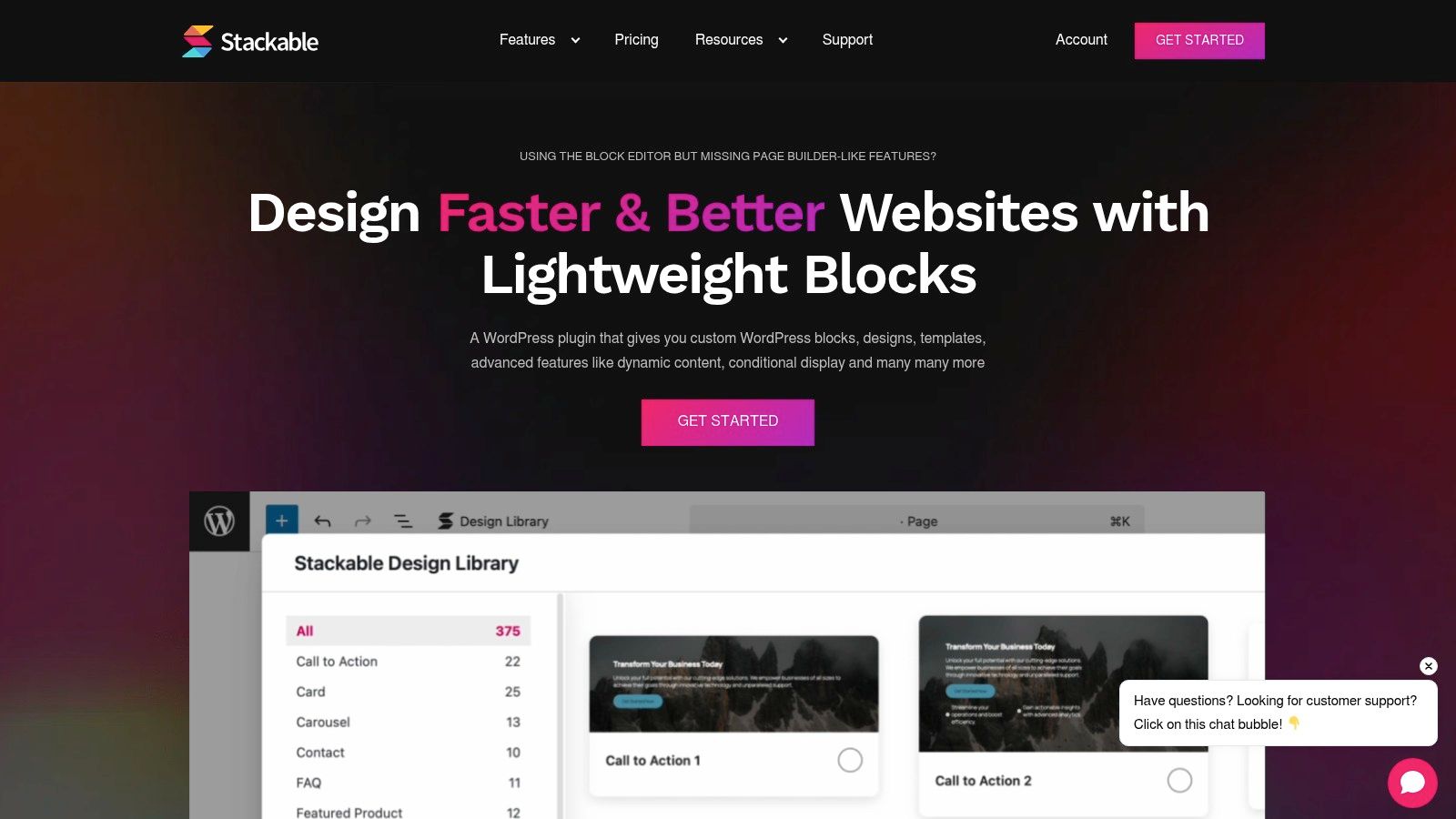
Stackable is the pattern library to look at when you want depth and polish in the block editor. Its premium library includes 375+ design patterns and 40+ full-page templates, which gives you a wide palette for building lesson pages, course landing pages, and supporting content areas. For a site that needs visual consistency across many posts, that kind of library can remove a lot of repetitive layout work.
Strong for reusable, polished sections
Stackable's value is not just in quantity. It also brings a global design system, responsive controls, motion effects, dynamic content, conditional display, and a role manager, so editors can create more consistent sections while keeping control over who sees and edits what. That's useful for educational teams that want the same callout blocks, FAQs, or lesson teasers to behave predictably across the site.
For a learning site, the responsive controls are especially helpful. Educational content often gets read on phones first, and a pattern library that helps you tune layout behavior across screen sizes can save you from awkward spacing and broken content cards.
The trade-off for smaller sites
The best parts of Stackable live behind the paid tier, and that changes the calculus. If you're running a minimal blog or a lightweight course site, the plugin dependency may be more than you need. It's not that Stackable is too much for WordPress, it's that it can be more system than a simple learning site requires.
Use Stackable when layout control is part of the product, not just part of the decoration.
If you're building a content-heavy resource center, Stackable gives you a lot to work with. If you're publishing short educational posts with a few repeatable blocks, it may be stronger than your actual use case.
7. GenerateBlocks and Pattern Library
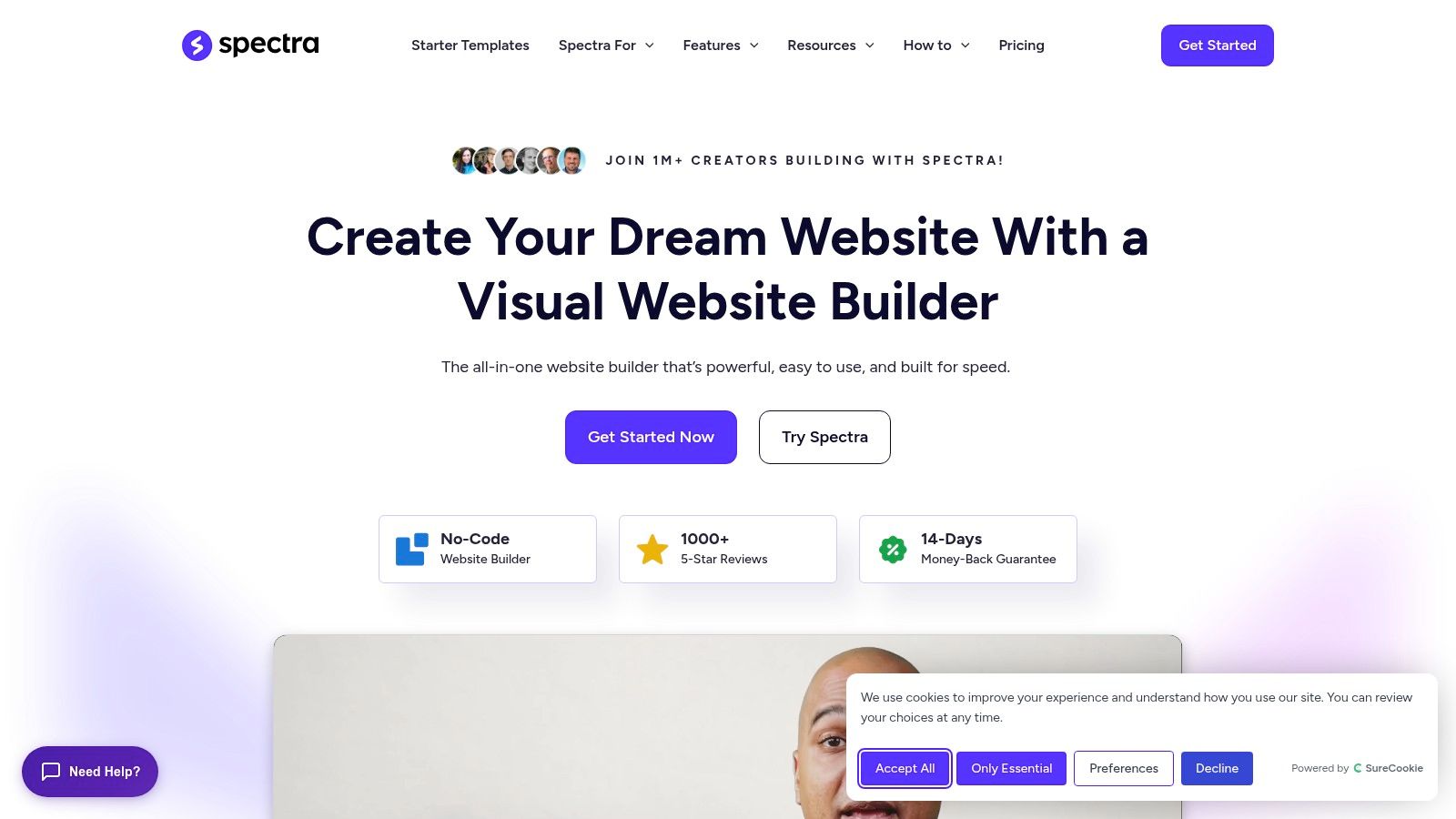
A lesson page built with GenerateBlocks usually feels lighter than a full visual suite, and that is the point. The core blocks, including Container, Grid, Headline, and Buttons, are designed for clean markup and precise spacing, while the pattern library gives you a quicker starting point for sections like FAQs, resource cards, pricing blocks, and query loops. For a learning site built on a modern block theme, that mix works well when the goal is to keep pages focused on teaching rather than on decoration.
Lean by design
GenerateBlocks fits sites that need restraint. Educational writing already asks readers to move through explanations, examples, and next steps, so a pattern system that keeps layout choices simple can make the content easier to scan without adding visual noise. The patterns also inherit theme styles, which helps the site stay consistent when you reuse the same lesson intro, recap, or resource section across many posts.
That matters on a teaching site. A lesson page should make the next action obvious, whether that is a summary, a resource list, or a link to the following lesson. GenerateBlocks helps you build those pieces with fewer moving parts than a larger block suite, and that makes it easier to keep the page fast and predictable for returning readers.
Where it falls short
The catalog is smaller than the pattern sets you get from larger block libraries, and that is the trade-off. If you want many prebuilt layouts for landing pages, sales pages, or highly styled course marketing, you may find yourself assembling more sections by hand. That is not a flaw if you like control, but it does mean the plugin asks more of the site builder.
For educational publishers, that limitation can be acceptable if the site is mostly lessons, articles, and structured resource pages. If your workflow depends on lots of ready-made variations, GenerateBlocks can feel spare. If your priority is speed, clarity, and low overhead, that restraint is often a benefit rather than a drawback.
The plugin also makes more sense when you are comfortable shaping your own patterns over time. A small learning site may only need a few reusable layouts at first, then add more as the content library grows. A broader content operation may want a larger starting catalog from day one, especially if multiple editors need quick options without building from scratch.
For teams comparing tooling, I would place GenerateBlocks alongside the best product design tools for 2026 in one respect, it works best when the workflow is deliberate and the output needs to stay clean. That is useful for course hubs, knowledge bases, and tutorial archives, where consistency matters more than flashy design.
7. GenerateBlocks and Pattern Library
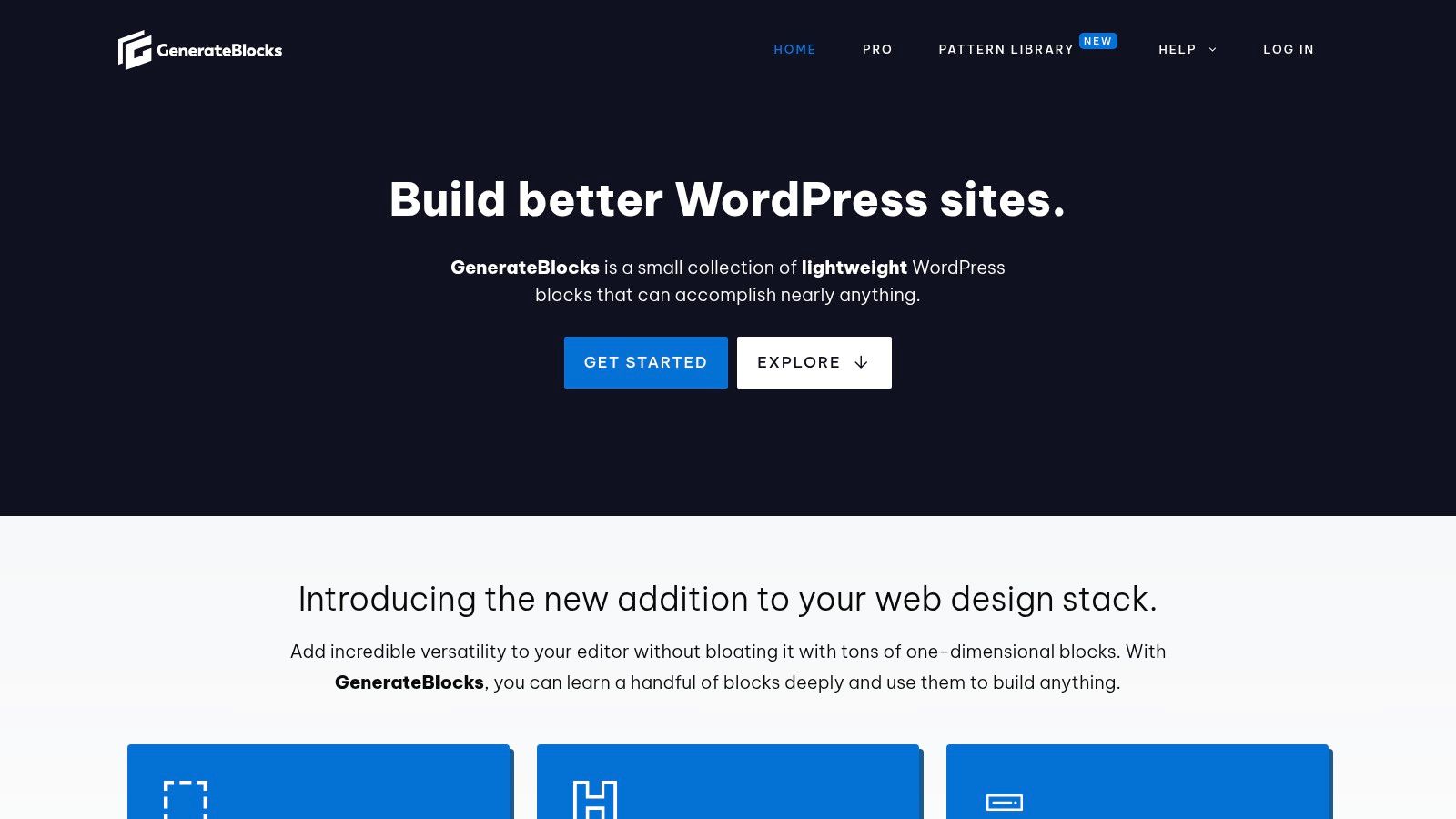
GenerateBlocks is the leanest choice in this list, and that's exactly why it deserves attention. Its core building blocks, including Container, Grid, Headline, and Buttons, are built for precision and clean markup, while the pattern library gives you a faster starting point for common sections like FAQs, pricing blocks, and query loops. For a minimal learning site, that combination is hard to beat.
Lean by design
GenerateBlocks is a strong fit when you care about keeping the site distraction-light. Educational writing already asks a lot from the reader, so a pattern system that avoids bloat and keeps layout decisions simple can improve the experience without drawing attention to itself. The patterns also inherit theme styles, which helps the site stay cohesive even when you're reusing sections across many posts.
That matters for teaching content. A lesson page should make the next step obvious, whether that's the summary, the resource list, or the next lesson link. GenerateBlocks helps you build those pieces with fewer moving parts than larger visual suites.
Where it falls short
The catalog is smaller than what you get from larger block libraries, and that's the compromise. If you want lots of prebuilt marketing sections, broad design variation, or a huge template library, you'll probably want something else. GenerateBlocks Pro is also a paid annual subscription for advanced features, so the lean setup can still become a paid workflow if you go deeper.
For a small educational site, fewer options can be a strength. They keep your layout system teachable, repeatable, and easier to maintain.
If your priority is performance-minded publishing with a clean editorial experience, GenerateBlocks belongs near the top of the shortlist. It's especially good for authors who'd rather build a few dependable lesson patterns than manage a large pattern marketplace.
Top 7 WordPress Block Pattern Libraries Comparison
| Solution | Implementation 🔄 (Complexity) | Resources ⚡ (Requirements / Speed) | Expected outcomes 📊⭐ (Quality / Impact) | Ideal use cases 💡 | Key advantages |
|---|---|---|---|---|---|
| WordPress Block Pattern Directory (official) | 🔄 (low), copy/insert patterns natively | ⚡ (low), no plugin or cost | 📊 Lightweight, theme‑adaptive; ⭐⭐⭐ | Small/minimal sites needing safe, fast sections | Free, no plugin overhead; REST API for programmatic use |
| Extendify Design/Pattern Library | 🔄🔄 (low–medium), plugin install, editor integration | ⚡⚡ (moderate), plugin dependency, fast insertion | 📊 Rapid page assembly; ⭐⭐⭐⭐ | Quickly build pages inside native editor (layouts/sections) | Editor‑embedded library, slash command for speed |
| GutenbergHub (templates and pattern kits) | 🔄🔄 (low–medium), copy‑paste or import kits | ⚡⚡ (moderate), optional paid packs | 📊 Flexible, kit‑based cohesion; ⭐⭐⭐ | Themed kits, wireframes, lesson/pricing sections | Mix of free copy‑paste and paid cohesive kits |
| Kadence (Blocks + Design/Pattern Library) | 🔄🔄🔄 (medium–high), theme + plugin ecosystem | ⚡⚡⚡ (higher), broader suite, paid tiers | 📊 Polished, consistent results; ⭐⭐⭐⭐ | Sites planning growth (WooCommerce, memberships) | Cohesive ecosystem from design to commerce; many starter templates |
| Stackable – Ultimate Gutenberg Blocks | 🔄🔄 (medium), plugin with many features | ⚡⚡⚡ (moderate–high), feature‑rich, pro tier | 📊 Large consistent pattern pool; ⭐⭐⭐⭐ | Accessible, design‑heavy sections and responsive needs | Extensive patterns, global design system, responsive controls |
| Spectra (by Brainstorm Force) | 🔄🔄 (medium), plugin + integrations | ⚡⚡ (moderate), Pro features optional | 📊 Smooth onboarding; ⭐⭐⭐ | Post templates, lesson indexes, scalable to eCommerce | Integrates with Astra ecosystem; optional AI site generator |
| GenerateBlocks (+ Pattern Library) | 🔄🔄 (low–medium), lightweight block set | ⚡ (low), performance‑focused, lean markup | 📊 Fast, precise layouts; ⭐⭐⭐⭐ | Minimal, fast sites and learning blogs | Very lean blocks, local pattern library, strong performance |
Comparing the options for a learning site
The official directory is the lowest-risk starting point if you want native WordPress patterns and no extra plugin overhead. Extendify and GutenbergHub are better when you need a faster assembly workflow and don't mind depending on a plugin or a community library. Kadence and Spectra are the stronger ecosystem choices for sites that might grow into broader course or membership projects. Stackable gives you the largest premium design library, while GenerateBlocks gives you the cleanest fit for a minimal, performance-aware learning blog.
For educational content, the decision isn't "Which library has the most patterns?" It's "Which one will keep my lesson layouts consistent without making the editor harder to use?" That question matters more than any glossy template gallery because patterns are not just decoration, they're part of how you standardize publishing across posts, pages, and teams. WordPress treats patterns as reusable layouts, and the ecosystem has grown quickly, from 480 patterns at launch to more than 2,100 in 2026 according to the source cited in the brief (Full Site Editing introduction to block patterns).
If you manage lessons, resource hubs, or CTA sections across a block-theme site, the next step is to test one or two libraries in your real editor workflow, not just browse screenshots. Try a lesson intro, a resource grid, and a closing callout, then see which system stays clean after editing. When you're ready to build a lighter, more maintainable learning site, Learning Site is a good place to see how a simple WordPress setup can support posts, pages, RSS, and block-based layouts without getting in your way.
Written with the Outrank app
Leave a Reply